

Every USB-C cable has the same plug, and that is the problem. Two cables that look identical can differ by a factor of four in how much power they carry and by a factor of eighty in how fast they move data. The numbers are on the spec sheet, 60 W or 240 W, USB 2 or USB4, if you know how to read them.
This guide explains the two numbers that matter, what we measured when we charged the same laptop through different cables, and how to buy one cable that does the job instead of three that almost do.
Power: 60 W, 100 W or 240 W
Charging power is voltage times current. A USB-C laptop charger offers up to 20 V, and an ordinary USB-C cable is allowed to carry up to 3 A. Twenty volts at three amps is 60 W, which is why so many cables, including most of the ones that come in a phone box, stop there.
To carry 5 A, a cable needs an e-marker: a small chip in the plug that tells the charger what the cable can safely handle. Without it, the charger assumes 3 A and holds back, however powerful it is. With it, the same 20 V gives you 100 W. The newest chargers go further and raise the voltage to 48 V for up to 240 W, and only cables marked for 240 W are allowed to carry it.
| Cable rating | Current | Voltage | E-marker | Enough for |
|---|---|---|---|---|
| 60 W | 3 A | Up to 20 V | Not needed | Phones, tablets, a 13″ laptop on light work |
| 100 W | 5 A | Up to 20 V | Required | Any laptop on a charger up to 100 W |
| 240 W | 5 A | Up to 48 V | Required | 16″ laptops with 140 W chargers and above |
What we measured
We charged a 16″ laptop from 10 % on a 100 W bench charger, once through a 60 W cable from a phone box and once through a 100 W Link USB-C, with a USB-C power meter in between. During a 20-minute video export, the laptop on the 60 W cable drew a steady 58 W and its battery fell from 10 % to 7 %. On Link it peaked at 94 W and the battery rose to 31 %. Idle at the desk, both cables charged at the same speed, because the laptop asked for less than 60 W. Length made no measurable difference: the 6 ft Link delivered the same 94 W peak as the 3 ft one, because a cable rated for 5 A has thick enough copper to carry it over that distance.
The same thing happens on a smaller scale with a Brick 65: through a 60 W cable it delivers 60 W, through Link the full 65 W. The difference is small for a 13″ laptop and matters most on a big one under load. If you are not sure what size charger you need in the first place, start with GaN chargers: do you really need 65 W?
“The charger gets the blame, but half the slow laptops we see on the bench are on a 60 W cable. Buy one 100 W cable and you stop wondering.”
Priya Nair, test lab
Data: from USB 2.0 to USB4
Speed is a separate rating, and a cable can be strong on power and modest on data. These are the tiers you will see on a box:
- USB 2.0, 480 Mb/s: charging, syncing a phone, keyboards and mice
- USB 5 Gbps and 10 Gbps: external SSDs and most USB-C hubs
- USB 20 Gbps: fast SSDs, rarely needed
- USB4 and Thunderbolt, 40 Gbps: docks that drive two monitors, external graphics, fast storage arrays
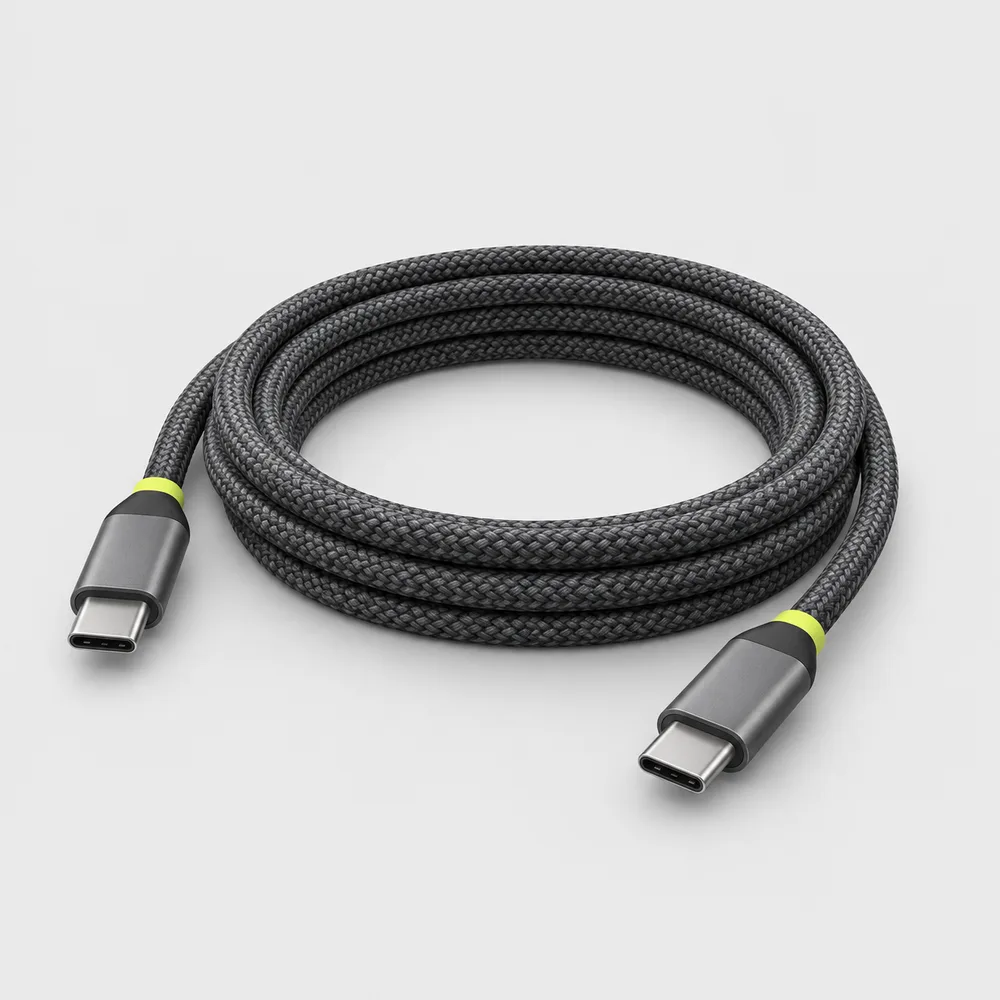
Fast data needs extra wire pairs and tighter shielding, so 40 Gbps cables are thicker, stiffer and, without active electronics, limited to about 2.6 ft. That is why most long, flexible charging cables are USB 2.0, and Link is one of them: 480 Mb/s, plenty for a phone or the power input of a USB-C hub, but slow for copying a folder of video to an external SSD. For that, use the short 10 Gbps cable that came with the drive.
-
Shop the story
Original price was: $19.$15Current price is: $15.Ships in 1 business day
View: Link USB-C
Our advice: one 100 W cable per charger, in the length you need, 3 ft for the bag and 6 ft for the desk, and a short fast cable only where you move data. If you are rebuilding the desk at the same time, see how we tame the cables under it in one afternoon.
Quick answers
How can I tell what an unmarked cable can do?
Certified cables carry a logo on the plug or the box with the watts and the speed, for example 240W and 40Gbps. A USB-C power meter can also read the e-marker. If a cable has no marking and no box, assume 60 W and USB 2.0.
Is a 240 W cable safe for a phone?
Yes. The cable only allows power; the phone and the charger agree on how much flows, and a phone still takes its usual 20–30 W.
Will a Thunderbolt cable charge my laptop?
Yes. Thunderbolt 4 cables are rated for at least 100 W, so they charge any laptop on a charger up to that size. They are just shorter and more expensive than a charging cable needs to be.

One response
Author
So the cable that came with my phone is why my laptop charged so slowly. Good to know.
Comments are closed.