

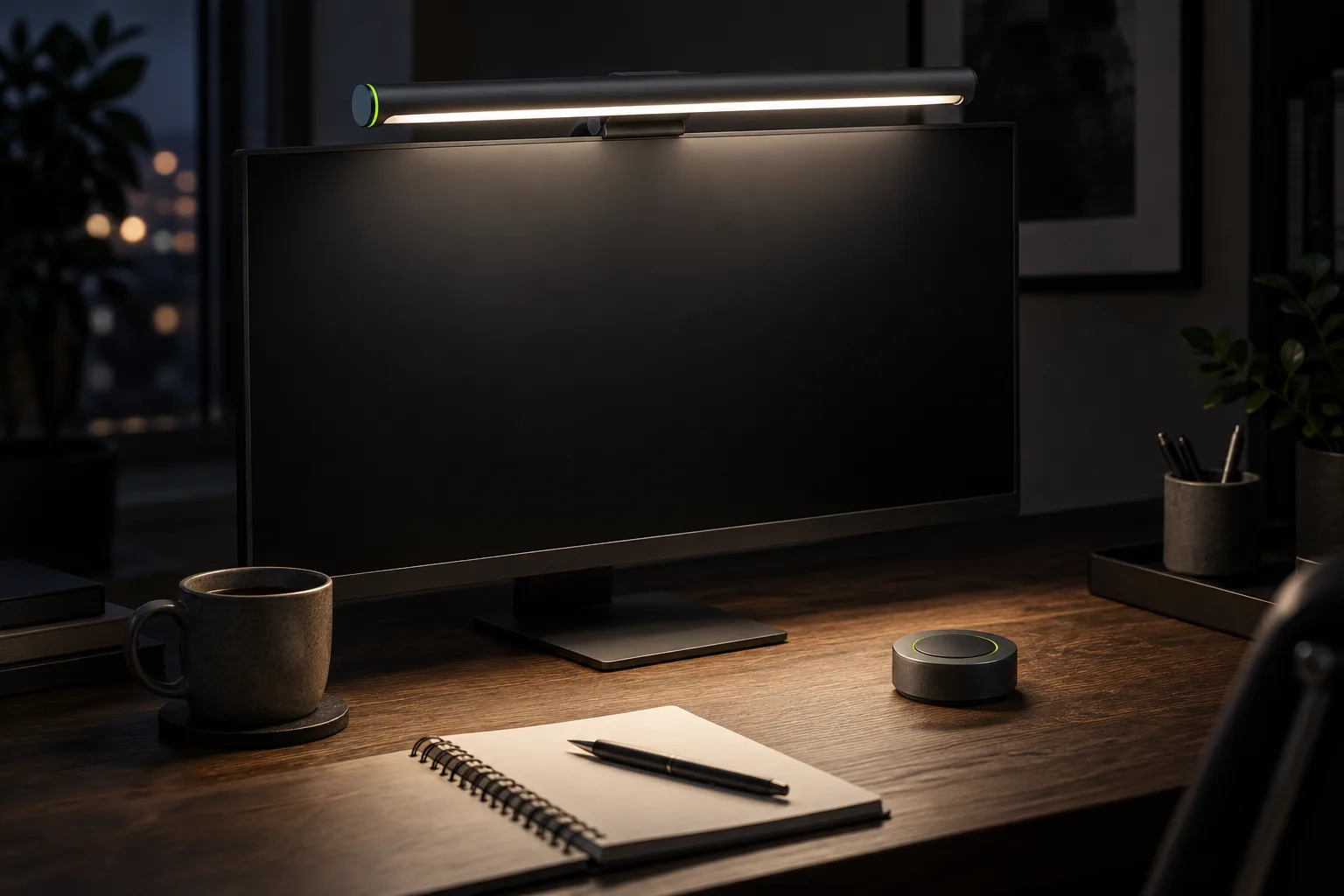
A monitor light bar promises two things a desk lamp cannot: no glare on the screen and no lamp on the desk. We wanted to know whether light from the top of the monitor also tires your eyes less over a working day, or whether it is just a tidier way to light a desk.
Two of us replaced our desk lamps with Halo for a month. One desk is in a basement studio with a single small window, the other by a north-facing window in a Portland apartment, and both are used well into the evening. Before the switch we spent a week with the old lamps and measured everything we could; then we measured again at the end of the month.
How we tested
Both lamps were good ones: an LED arm lamp with a 6 in round base, and a swing-arm lamp clamped to the back of the desk. We measured the light on the desk with a lux meter at the keyboard and at the edges of a 30 × 16 in working area, checked the screen for reflections from the seat, and noted how much desk each light took up. At 6 pm every day we each scored eye fatigue from 1 to 10. That score is subjective, so we read it together with the numbers, not instead of them.
| Measured | Arm lamp | Clamp lamp | Halo |
|---|---|---|---|
| Light at the keyboard | 620 lux | 540 lux | 480 lux |
| Light at the edges of the work area | 140–210 lux | 160–260 lux | 260–330 lux |
| Reflection on the screen | Visible, upper left | Visible when tilted | None |
| Desk space used | 28 sq in | Clamp only | None |
| Eye fatigue at 6 pm | 5 of 10 | 5 of 10 | 3 of 10 |
The table shows what we felt. The lamps were brighter at the center, but they lit a bright spot and left the edges of the desk dim, so our eyes moved between a hot circle under the lamp and the darker paper beside it. Halo is a little dimmer at the keyboard and much more even across the desk. Its maximum of 500 lux is enough for reading, writing and typing; we rarely ran it above 70 percent.
We also logged the color we chose through the day. Both of us settled into the same pattern without planning it: around 5000 K while there was daylight in the room, so the desk did not look yellow next to the window, and 3000 K or lower after dinner. With the lamps, that meant a different bulb or living with one color; with Halo it is a press and a turn of the dial.
What we liked
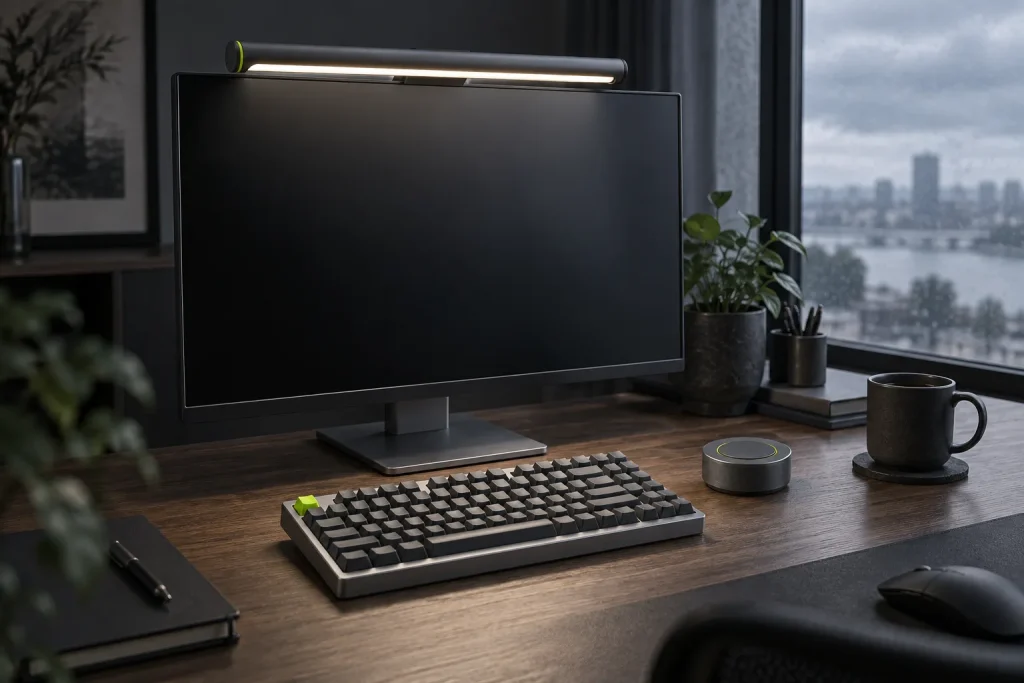
- No glare, at any angle. The beam is asymmetric: it shines down and forward onto the desk and stops at the top edge of the screen. We tried to catch a reflection from every seat position and could not.
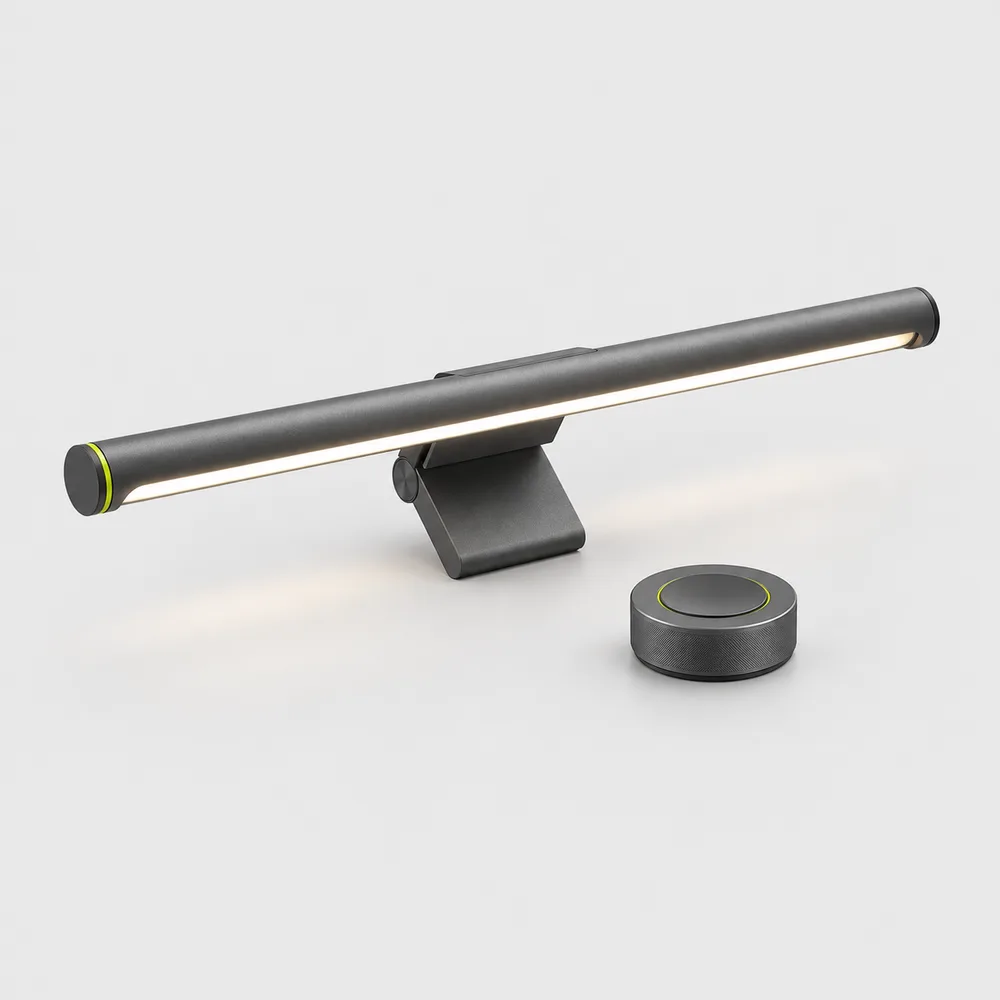
- Even light. The 17.7 in bar spreads its light across the whole width of a keyboard, mouse and notebook instead of one spot.
- The desk is free. No base, no arm swinging into a second monitor, no cable across the desk. Halo powers from a single USB-C lead that runs down the back of the monitor and joins the others we tidied in one afternoon under the desk.
- The dial. A wireless dial sits by the keyboard: turn for brightness, press and turn for color. It is faster than any app, and we used it several times a day.
- Warm to cool. 2700–6500 K covers a cool afternoon next to daylight and a warm last hour after dinner.
Setup took under a minute on both monitors. The clamp rests on the top edge with a counterweight behind the screen, so nothing presses on the panel and there are no tools or adhesive pads. It sat level on a flat 27″ monitor and on a curved 34″ one, and it never slipped when we adjusted the screen’s tilt.
The change in eye fatigue surprised us most. Neither of us expected a two-point difference from a light alone. Our best explanation is contrast: with the whole desk at 260–480 lux, the screen no longer stood out as the brightest thing in the room, and looking from the screen to a notebook and back took less effort. By the second week we had both turned our monitors down by about 15 percent because they felt too bright beside the lit desk.
“I did not notice the light bar after the first day. I noticed the old lamp when I switched back for an evening: the glare in the corner of the screen was all I could see.”
Daniel Reyes, head of product
What could be better
A month is long enough to find the rough edges. None of them made us want the lamps back, but you should know about them before you buy.
- It shares the top of the monitor with the webcam. A clip-on webcam has to move to one side of the bar. On a laptop, Halo does not fit at all; it is made for a monitor, or for a laptop raised on a stand beside one.
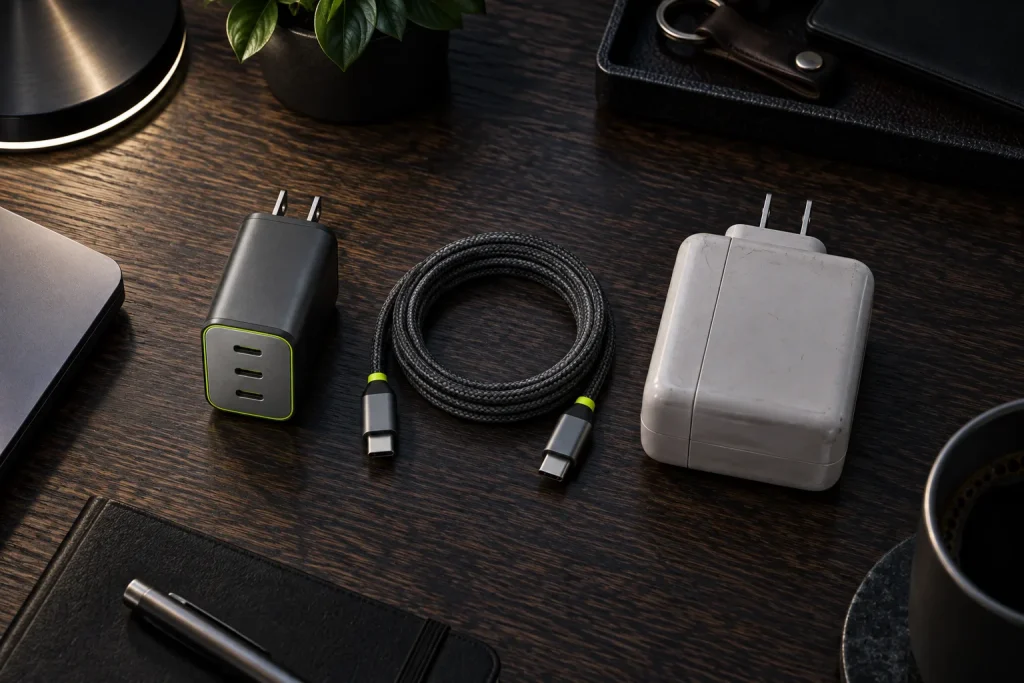
- The monitor’s USB port may switch off. When the basement monitor went to sleep, its USB-C port stopped supplying power and the light went out with it. Powering Halo from a USB-C hub or a wall charger fixed it.
- The auto-dimming sensor is cautious. It adjusts slowly as daylight fades, which is the right choice, but on a stormy afternoon it lagged a few minutes behind the sky. We left it on at the apartment desk and off in the basement, where the light barely changes.
- It lights the desk, not the room. In a completely dark room the wall behind the monitor stays black. A small lamp elsewhere in the room still helps late at night.
Height matters, too. Halo lights best when the top of the monitor is 16–20 in above the desk, which is where it should be for your neck anyway. On a low monitor the pool of light gets small and bright. Raising the screen fixes both problems at once: a monitor arm or a few books under the stand for the monitor, and a Riser for a laptop that sits beside it as a second screen.
Verdict
After a month, both lamps are in a cupboard. Halo gives a desk light that is even, glare-free and out of the way, and the evening fatigue scores dropped on both desks. It is not the brightest light you can buy, and it is not a room light; if you draw or work with large sheets of paper, an arm lamp you can aim still has a place. For a desk built around a monitor, a keyboard and a notebook, a light bar is the better tool.
- Choose a light bar if your desk is built around one monitor, you work into the evening and you have fought glare on the screen.
- Keep the lamp if you work on a laptop alone, draw on large sheets, or need light you can aim at a specific object.
Halo is $89. It is sold out at the moment; if you are waiting for it, the rest of the desk is worth sorting first. A compact keyboard such as Key75 leaves more of the lit area free for a notebook, and we found the switch easier than expected in two weeks without a number pad.
-
Shop the story
$89Ships in 1 business day
View: HaloOut of stock
4 responses
Author
Does it fit a curved ultrawide? Mine is about an inch thick at the top.
Author
Yes. The clamp takes monitors from 0.4 to 1.2 in thick, flat or curved. On a strongly curved screen the light still falls on the desk, just a little less evenly at the far ends.
Author
Any idea when it is back in stock?
Author
The next batch arrives in October, and it goes back on sale the day it reaches our warehouse.
Comments are closed.