

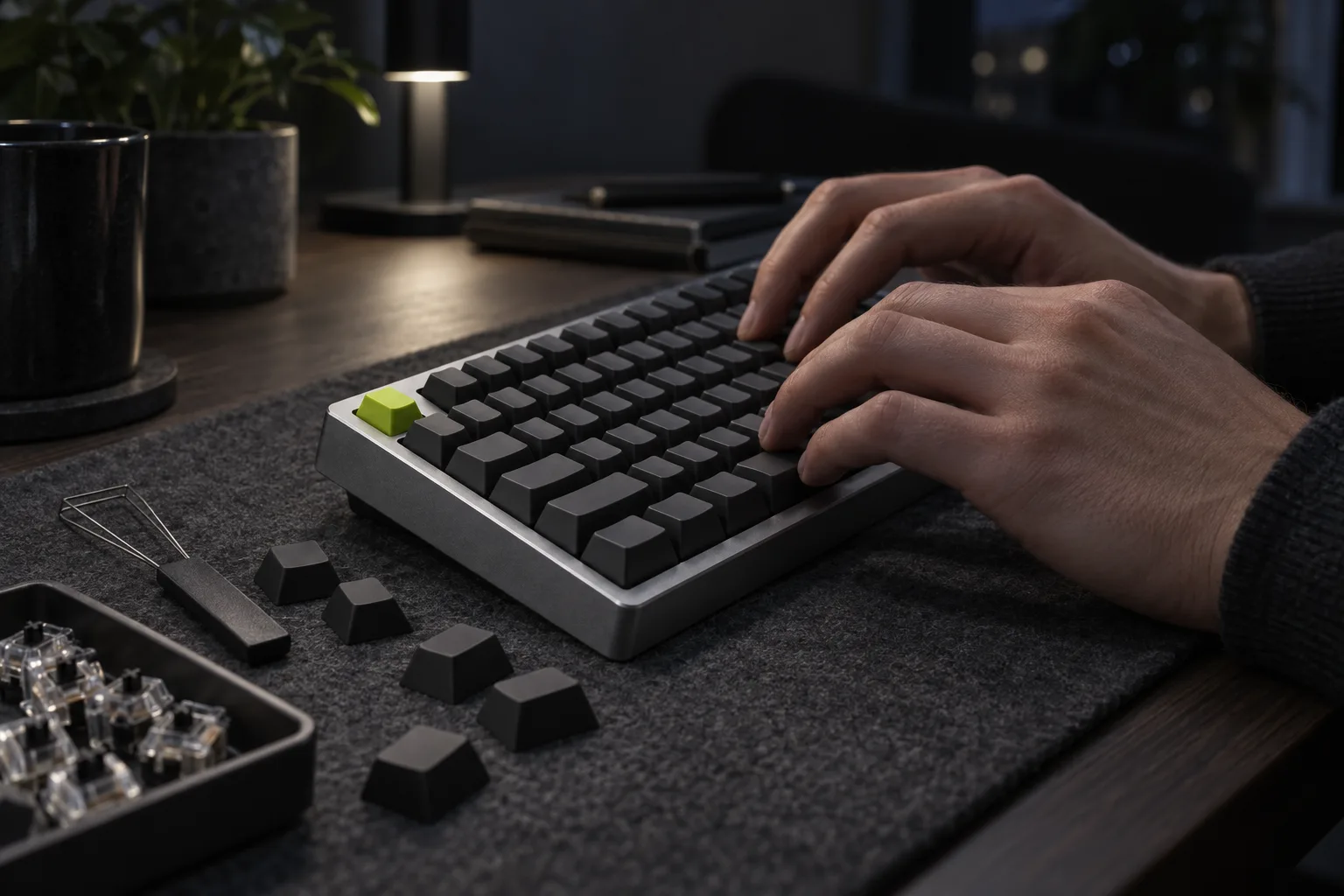
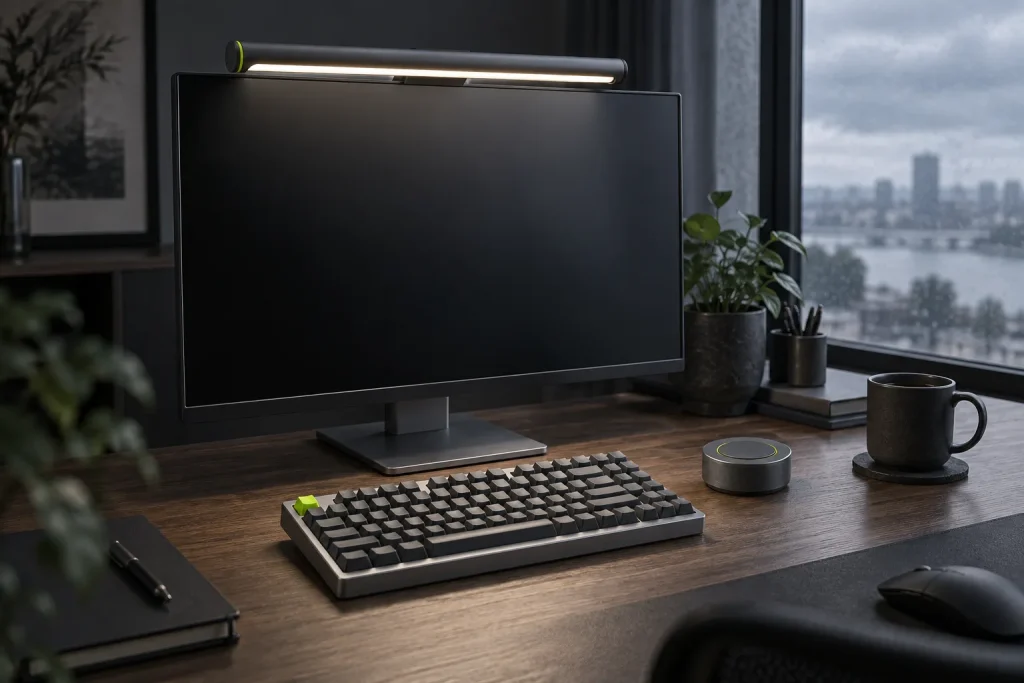
A 75% keyboard keeps the function row and the arrow keys and drops the number pad. We spent two weeks without one to find out what you actually lose, what you gain and how long it takes before your hands stop reaching for keys that are no longer there.
Two of us made the switch, both after more than ten years on full-size keyboards: a writer who lives in documents and an operations lead who spends half the day in spreadsheets. Both moved to Key75 on a Monday and kept a log. We measured typing speed with the same online test every morning, timed a fixed block of number entry, and wrote down every key we missed.
What you lose
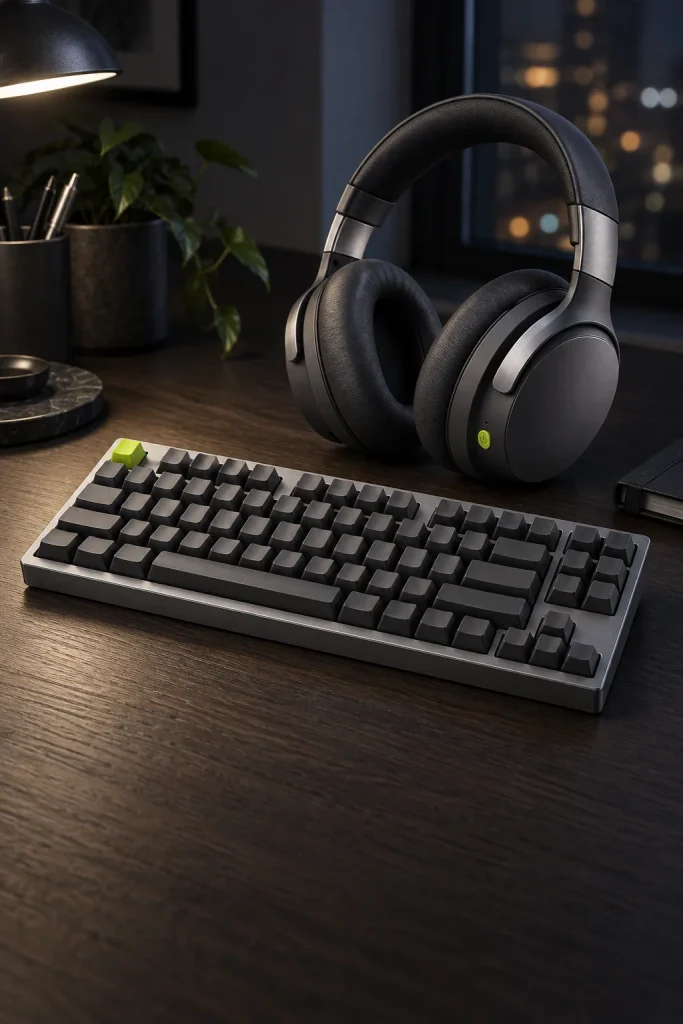
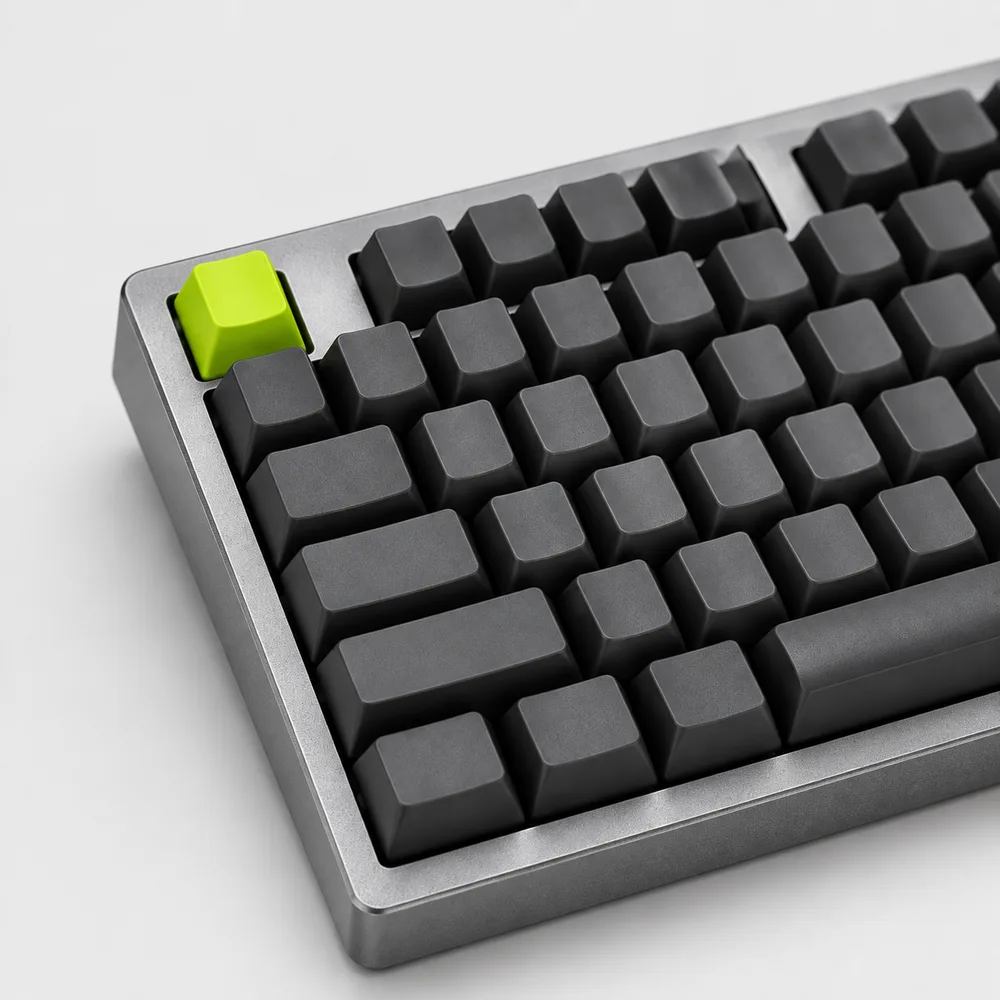
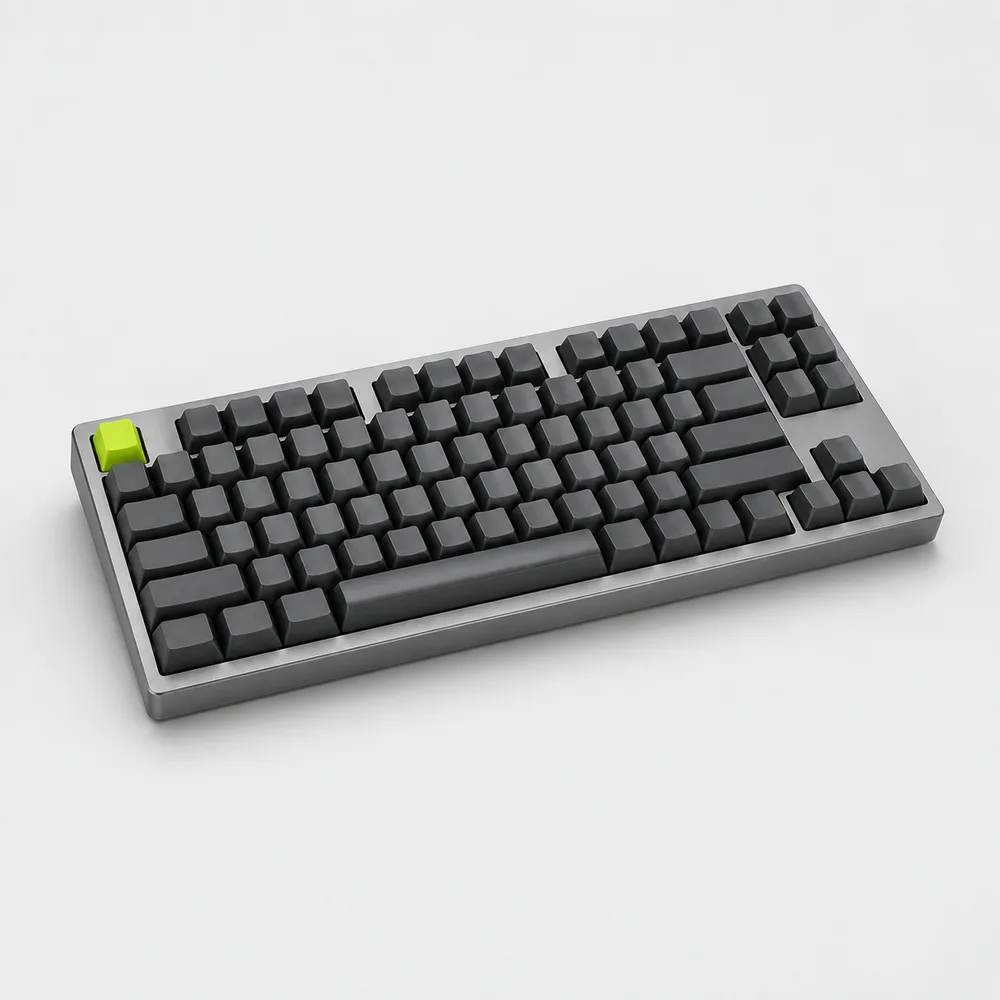
A full-size keyboard has 104 keys; Key75 has 84. Seventeen of the missing keys are the number pad, and the rest are the rarely used ones from the cluster above the arrows. Nothing disappears entirely: the keys you still need sit in a column on the right or on a function layer.
| Key on a full-size board | Where it is on Key75 | How often we missed it |
|---|---|---|
| Number pad | Number row above the letters | Daily, for spreadsheets |
| Delete | Top right, next to the function row | Days 1–3 |
| Home, End, Page Up, Page Down | Right-hand column beside Enter | Days 1–4 |
| Insert, Scroll Lock, Pause | Function layer | Never |
| Arrow keys | Same inverted-T, a little closer to the letters | Day 1 |
The function layer sounds like a compromise and turned out not to be one. In two weeks neither of us needed Insert or Scroll Lock once, and Print Screen stays on the top row. The keys you use every day, including Delete, Home and End, have their own caps; only the ones most people never touch hide behind Fn.
The number pad is the real loss, and only for people who type a lot of numbers. Our spreadsheet tester entered 200 digits from a printed sheet each morning. On a full-size board she managed 210 digits per minute; on the first day with the number row it fell to 150, and by day 14 it was back to 185. That last 12 percent never returned in two weeks. If you enter figures for hours every day, a 75% board will cost you some speed, and a full-size board is still the honest recommendation.
What you gain
The gain is mostly about your right shoulder. Without the number pad, the keyboard is about 5 in narrower, and the mouse moves that much closer to the center of your body. On both desks the mouse came in by 4 in, and the writer’s arm no longer rested out to the side by the end of the day. He described the change as the first thing he noticed and the reason he kept the keyboard.
- A closer mouse: less reach for every click, and room on a small desk for a notebook. Glide sat right against the keyboard’s edge on both desks.
- A solid, quieter case: the CNC aluminum case and gasket mount soften each keystroke, and at 3.3 lb the board does not slide when you type hard.
- Three devices: one press switches between a work laptop, a personal laptop and a tablet over Bluetooth, or uses the 2.4 GHz receiver or a USB-C cable.
- Keycaps that last: the double-shot PBT legends are molded in, not printed, so they will not wear off where your fingers rest.
Battery life was a non-issue. With the backlight on its lowest setting in the evenings, both keyboards ran the full two weeks on one charge. With the backlight off, the 4,000 mAh battery is rated for up to 200 hours of typing. The hot-swappable switches are a bonus we did not plan to test: by week two the writer had pulled a few and tried a lighter set, which took ten minutes with a switch puller and no soldering.
How long it takes to adjust
Less time than we expected, for letters and navigation at least. Here is how the writer’s log went, measured in words per minute against his full-size baseline of 78:
- Day 1, 71 wpm. Reaching past Delete and hitting the function row; pressing Page Down when he meant Enter.
- Day 3, 75 wpm. Delete and the arrows found. Home and End still took a glance.
- Day 7, 78 wpm. Back to his baseline, with no keys missed during a normal working day.
- Day 14, 80 wpm. Slightly faster than before, which we put down to the shorter reach to the arrows rather than to the switches.
Our spreadsheet tester followed the same curve for letters and navigation, back to her baseline by day 6. Numbers were the slow part. Typing figures on the number row uses both hands instead of one, and it took her until the second week to stop looking down for the 7, 8 and 9. Copying totals between cells, which is most of her day, was unaffected; long columns of new figures were where she felt the difference.
One habit helps more than any other: do not switch back and forth in the first week. Our spreadsheet tester tried a full-size board at home for two evenings and lost a day of progress each time. Give it seven working days on one layout before you decide.
“I thought I would miss the number pad every day. I miss it on the last day of the month, when I reconcile invoices. The other twenty-nine days I like having the mouse closer.”
Rachel Kim, operations, Voltline
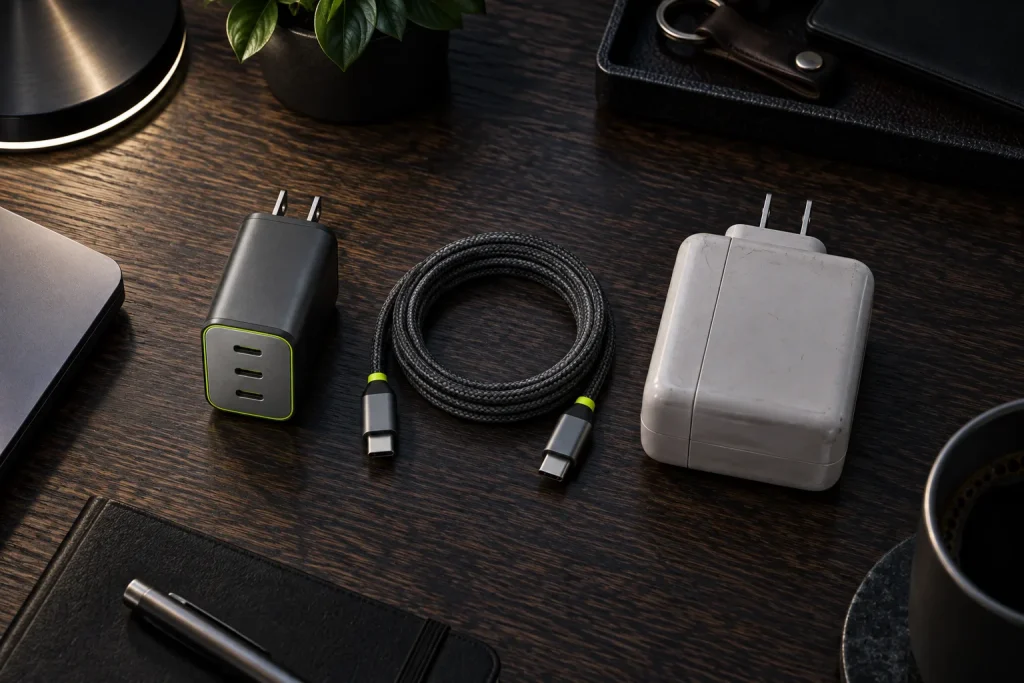
A narrower keyboard also leaves the back of the desk tidier. With one USB-C cable for charging, or none on Bluetooth, it is one less lead to route; we did ours in one afternoon under the desk, with a Hub 8-in-1 holding the 2.4 GHz receiver.
-
Shop the story
$169Ships in 1 business day
View: Key75
Quick answers
Does Key75 work with a Mac?
Yes. It connects to macOS, Windows, iPadOS and Android over Bluetooth, the 2.4 GHz receiver or USB-C. The layout is ANSI US; on a Mac, swap the Command and Option keys in the keyboard settings if their positions feel reversed.
Can I take it with me when I travel?
You can, but at 3.3 lb it is a desk keyboard first. The weight is what keeps it still and quiet; in a backpack, it is a little more than a 13″ laptop.
What if I still need a number pad sometimes?
Add a separate numeric keypad on the days you need it and put it away the rest of the time. Any USB or Bluetooth keypad works alongside Key75; place it to the left of the keyboard, so the mouse keeps its spot on the right.
3 responses
Author
Took me about a week to stop reaching for the number pad. Now the mouse sits closer and my shoulder thanks me.
Author
Are the switches easy to swap? I would like something quieter.
Author
Very. The sockets are hot-swappable and take 3- and 5-pin switches, so you pull a switch with the included tool and press in a new one. No soldering.
Comments are closed.