

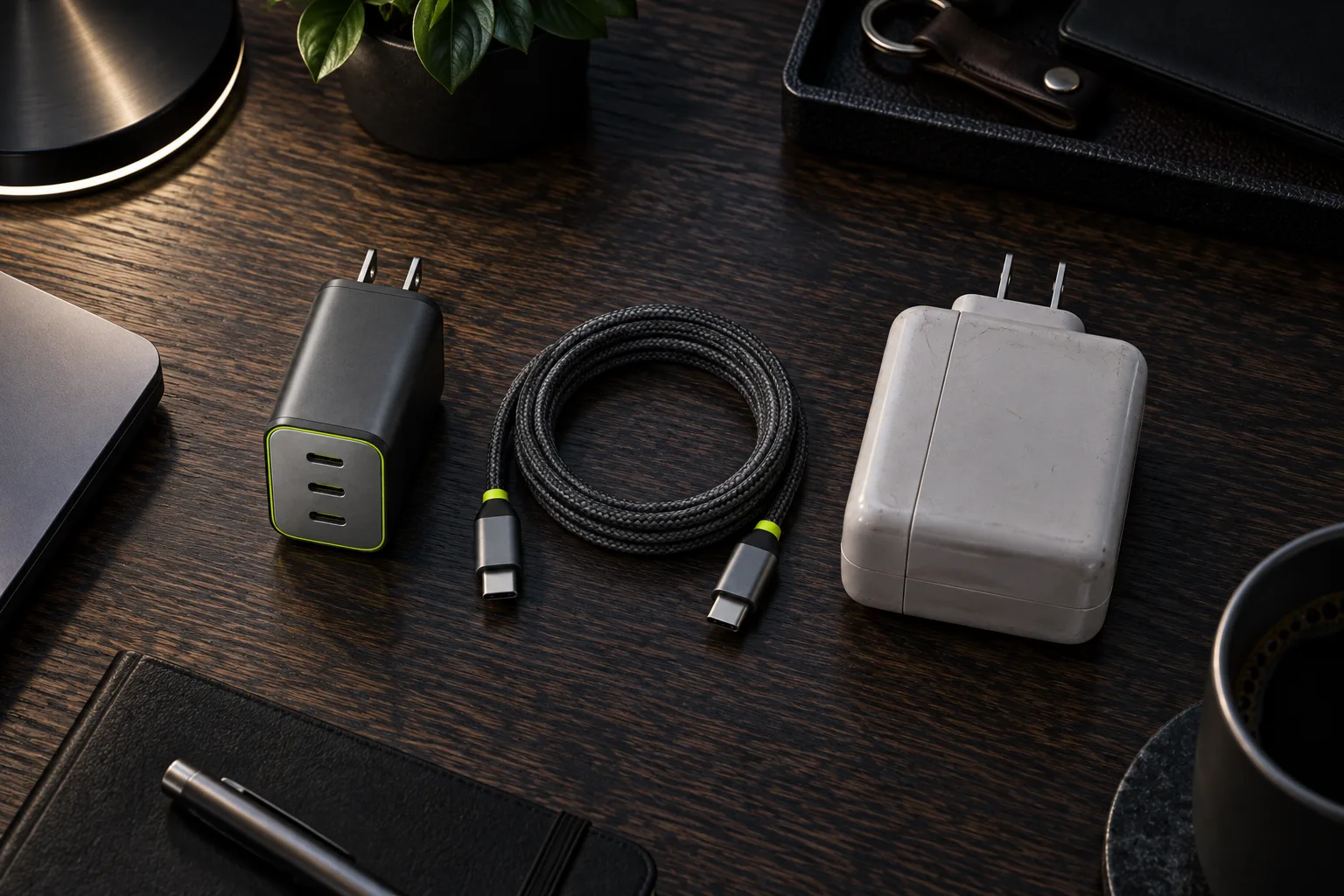
Modern GaN chargers are smaller and cooler than old power bricks, but the number on the case is the maximum output, shared across every port.
We measured how much the devices in our backpacks actually draw, and how a charger splits its power when you plug them all in at once. The short version: for most people who carry a 13- or 14-inch laptop, a phone and a pair of headphones, 65 W is the right size. The longer version explains why, and when it is not.
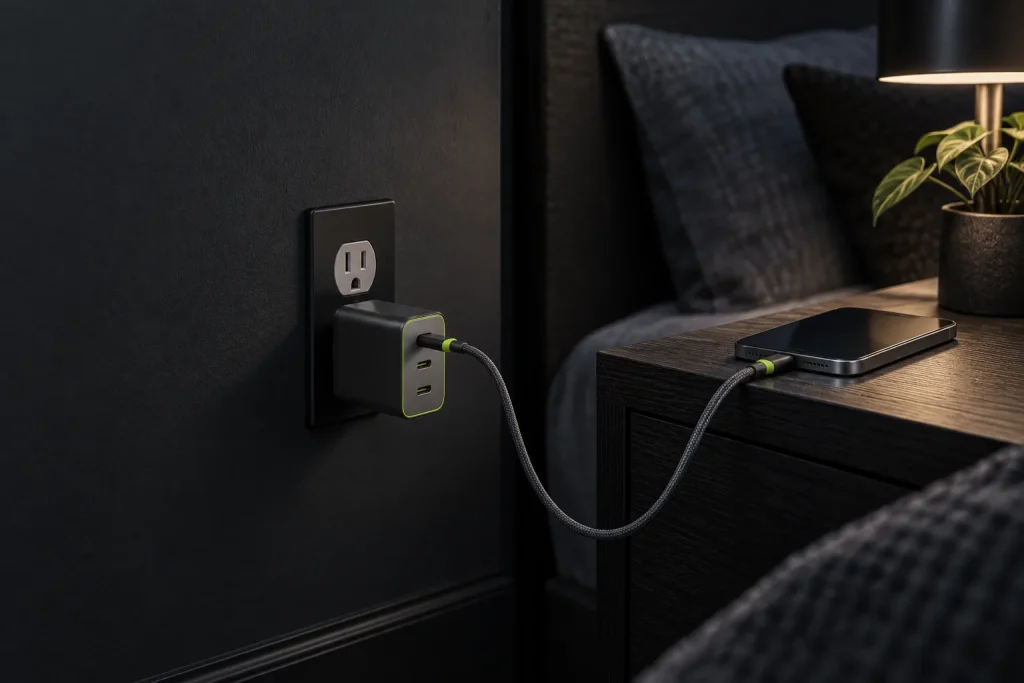
How much power your gear needs
A phone charges at 20–30 W, headphones take a few watts, and a 13″ laptop needs 45–65 W only when it is working flat out.
- Phone: 20–30 W for the first half hour, then less
- Headphones and watch: under 5 W
- 13–14″ laptop: 30–65 W, depending on load
Those are peaks, not averages. We put a USB-C power meter between the charger and each device and logged a normal working day in the studio. Here is what we saw:
| Device | Peak | Typical | 0–80 % |
|---|---|---|---|
| 14″ laptop, video export | 63 W | 28 W | 1 hr 10 min |
| 13″ laptop, browser and email | 41 W | 14 W | 1 hr 25 min |
| Phone | 27 W | 9 W | 45 min |
| Tablet | 30 W | 12 W | 1 hr 40 min |
| Arc ANC headphones | 4 W | 3 W | 55 min |
The pattern is the same for every device: a short burst at the start, then a long, gentle taper as the battery fills. A laptop only asks for its full rating when the battery is low and the processor is busy. Answering email on a half-charged laptop, it draws less than a phone does in its first ten minutes.
How a charger splits power
When you plug in a second device, the charger pauses for a moment and reallocates its power. Brick 65 delivers 65 W from one port, or 45 + 20 W across two.
That pause is normal. USB Power Delivery works as a conversation: each device tells the charger what it can take, and the charger offers what it has left. When the mix changes, every port renegotiates, so the screen of a phone that is already charging may flicker its charging icon for a second. Nothing is wrong, and nothing is damaged.
| Plugged in | Port 1 | Port 2 | Port 3 |
|---|---|---|---|
| One device | 65 W | 65 W | 30 W |
| Laptop and phone | 45 W | 20 W | – |
| Laptop and headphones | 45 W | – | 20 W |
| All three ports | 45 W | 10 W | 10 W |
Read the table against the measurements above and the answer is clear. With a laptop on 45 W and a phone on 20 W, both are charging at or near the speed they would reach on their own chargers. The laptop is slower only during an export with a flat battery, and then by minutes, not hours.
“A 65 W charger is enough for a laptop, a phone and headphones at once. Anything bigger only makes sense for a workstation.”
Daniel Reyes, product team
Why GaN runs cooler
Gallium nitride transistors switch faster and waste less energy as heat than the silicon parts in older adapters. Less heat means smaller cooling, and that is where the size difference comes from: Brick 65 is about a third of the volume of the 60 W laptop brick it replaced on our test bench.
Warm is still normal. After an hour at full load the case settled at 106 °F, comfortable to hold and well inside the limits of the safety standard. A charger that gets too hot to touch is a sign it is undersized for the load, or that it is buried under a pillow. Give it some air and it will last for years.
-
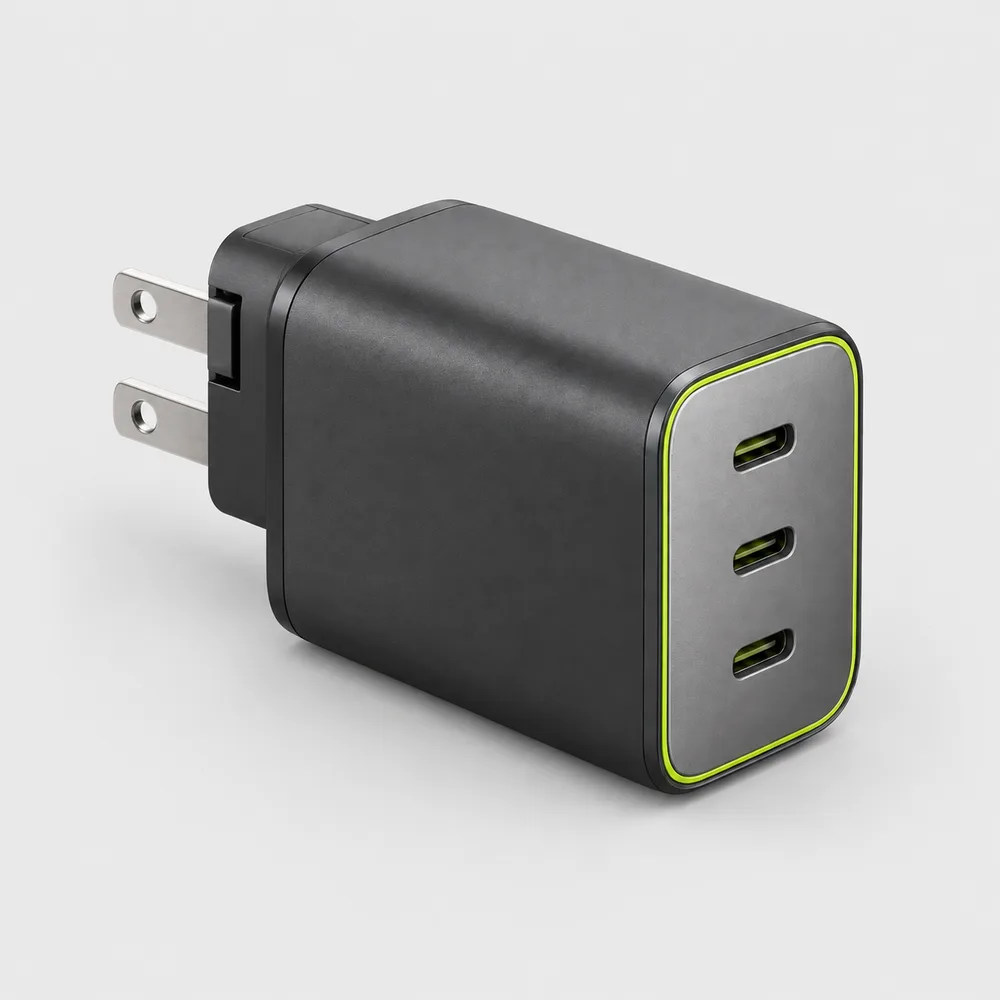
Shop the story
Original price was: $59.$49Current price is: $49.Ships in 1 business day
View: Brick 65
When a bigger charger makes sense
If you work on a 16″ laptop or charge two laptops at once, look for 100 W. For everyone else, 65 W is enough, with a good USB-C cable that can carry that power.
- 65 W: a 13–15″ laptop, a phone and headphones at once; the size to carry
- 100 W: a 16″ laptop that renders or games, or two laptops on one charger
- 30 W or less: a phone, a tablet and earbuds, when the laptop stays at home
A bigger charger never harms a smaller device: a phone on a 100 W charger still takes only what it asks for. It is just a heavier thing to carry for power you will rarely use. If you travel with a laptop most weeks, keep the 65 W in your bag and leave the bigger one on the desk.
Two laptops are the exception worth planning for. Plug a second laptop into Brick 65 and both get what is left after the split: 45 W and 20 W. The second laptop will hold its charge while you work, but it will barely gain any. If you and a partner share one charger on trips, that is the moment to carry two 65 W chargers or one at 100 W.
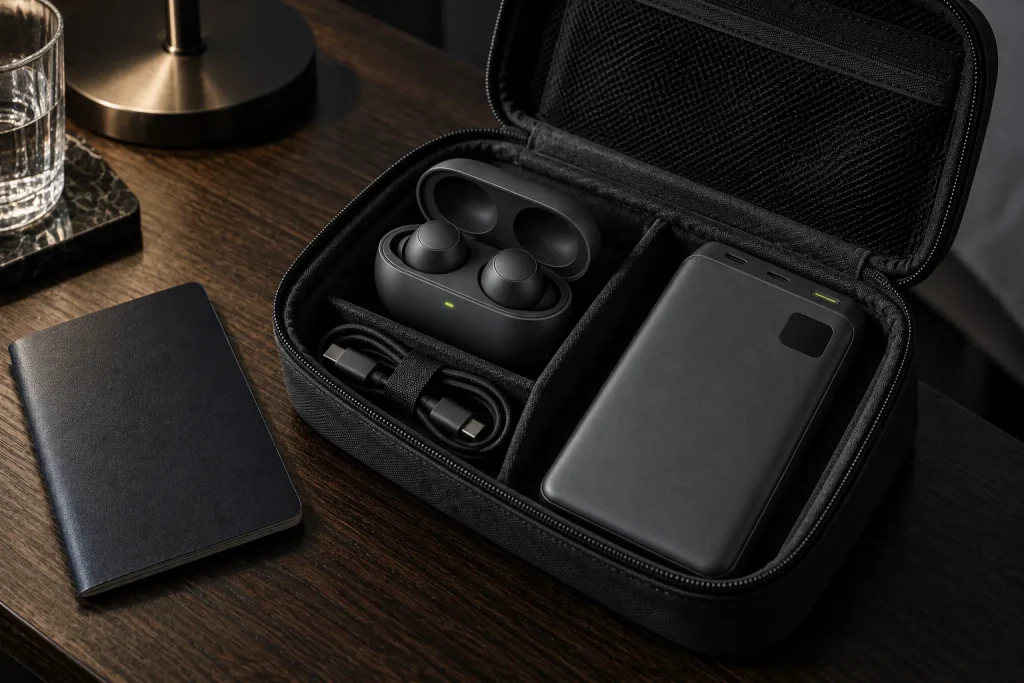
The same goes for a power bank in the mix. Cell 20 takes up to 45 W while it recharges, so on a charger shared with a laptop it fills more slowly overnight than on its own. Nothing is lost; it simply waits its turn. Plug it into the top port when the laptop is already full, and it is ready in about two hours.
Do not forget the cable
Most USB-C cables that come in the box with a phone are rated for 60 W, and some for much less. They will charge a laptop, but more slowly than the charger can. A cable rated for 100 W, such as Link USB-C, carries everything Brick 65 can deliver and leaves room for a bigger charger later. If you also carry a power bank, the same cable charges it at its full 45 W.
Quick answers
Is it safe to leave a phone on a laptop charger overnight?
Yes. The phone decides how much power it takes, and it stops drawing almost anything once it is full. The charger only offers power; it never pushes it.
Will a 65 W charger work with a laptop that came with a 90 W adapter?
In most cases, yes, if the laptop charges over USB-C. It will charge more slowly under heavy load, and on a few gaming laptops the battery may drain slowly while the processor runs flat out. For office work you will not notice.
Can I take Brick 65 abroad?
It accepts 100–240 V, so it works anywhere with a simple plug adapter; you do not need a voltage converter. The prongs fold flat so it does not snag in a bag. If you are flying, read what the rules say about power banks before you pack.


2 responses
Author
Will Brick 65 charge a 14″ MacBook Pro? The original adapter is 70 W.
Author
Yes, just a little slower under full load. In everyday work you will not notice the difference.
Comments are closed.