One hub, three cable ties and a cable tray. That is the whole kit, and the plan below takes about two hours on a Saturday afternoon. Done once, it lasts for years, because it changes where the cables go, not just how they look.
We tidied six desks in the studio and at our homes this spring and timed each one. The fastest took 1 hr 35 min, the slowest, a standing desk with two monitors, 2 hr 40 min. Before, the average desk had 14 cables in view. After, it had one.
What you need
- A cable tray that screws or clamps under the back edge of the desk, long enough to hold a power strip
- A power strip with a 6 ft cord, rated for what you plug into it
- A USB-C hub such as Hub 8-in-1, so the laptop needs one cable
- Three or four reusable hook-and-loop cable ties, and a few adhesive cable clips
- A marker and masking tape for labels
The plan, step by step
- Unplug everything. Take every cable off the desk and lay it on the floor. Throw away the ones that connect nothing; we found an average of three per desk.
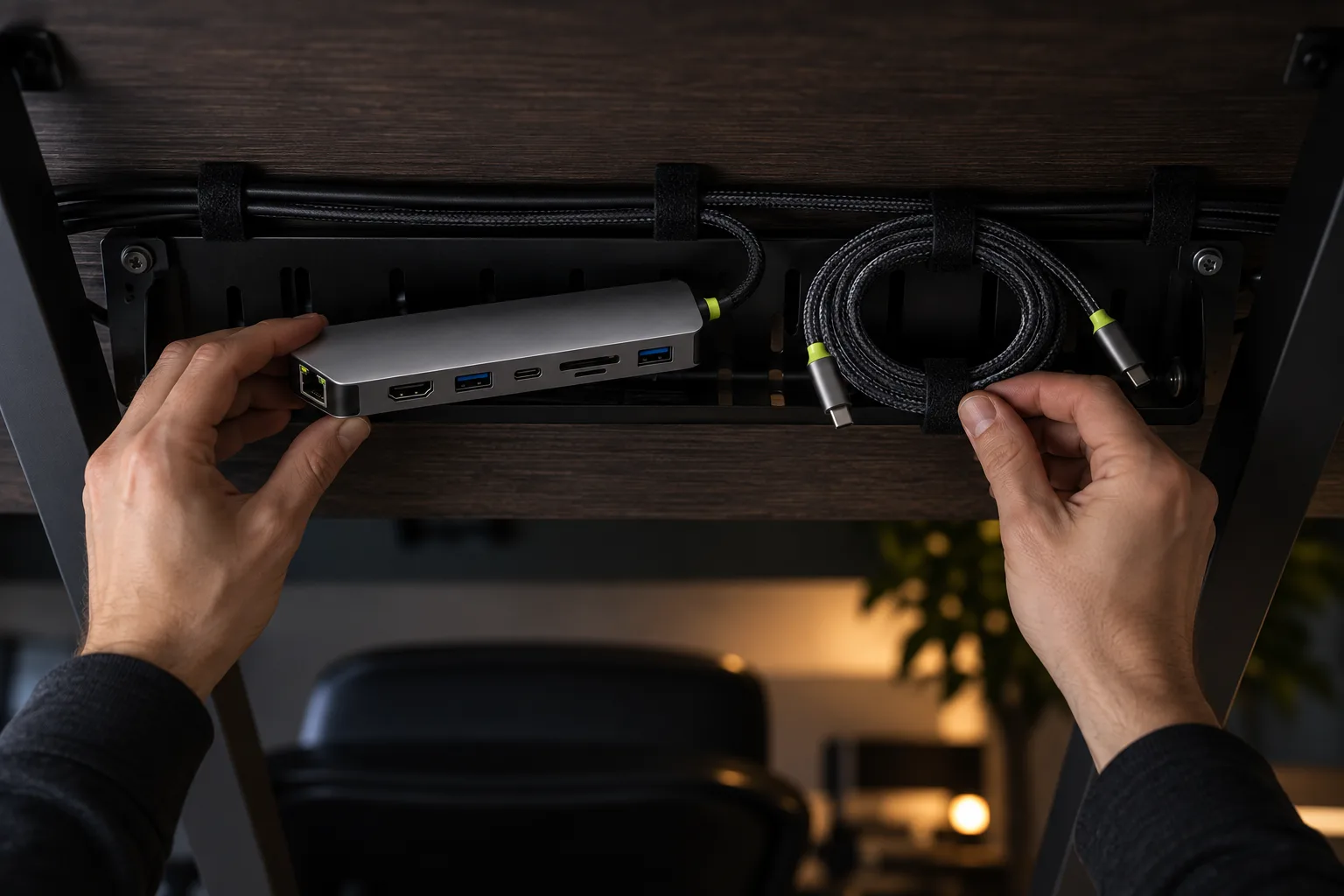
- Mount the tray. Fix it under the back edge, 4–6 in from the wall, so cables drop straight into it. Put the power strip inside, switch facing you.
- Bring power down one leg. Run the strip’s cord down the desk leg nearest the outlet and clip it every 12 in. On a standing desk, leave a loop of slack equal to the desk’s travel.
- Place the hub. Set it on the desk next to the laptop, or stick it under the front edge. Monitor, Ethernet and the charger plug into the hub and run back to the tray.
- Bundle and tie. Coil the extra length of each cable into the tray and close it with a tie. Hook-and-loop ties come off in seconds when you add a device; zip ties do not.
- Label the plugs. A strip of tape on each plug saves you crawling under the desk to find which one is the monitor.
Steps two and three take most of the time, about an hour between them, because you are working on your back under the desk. Do them first, while you still have the energy, and measure twice before you drill: on two of our six desks the tray first went in where a drawer runner needed the space.
One cable to the laptop
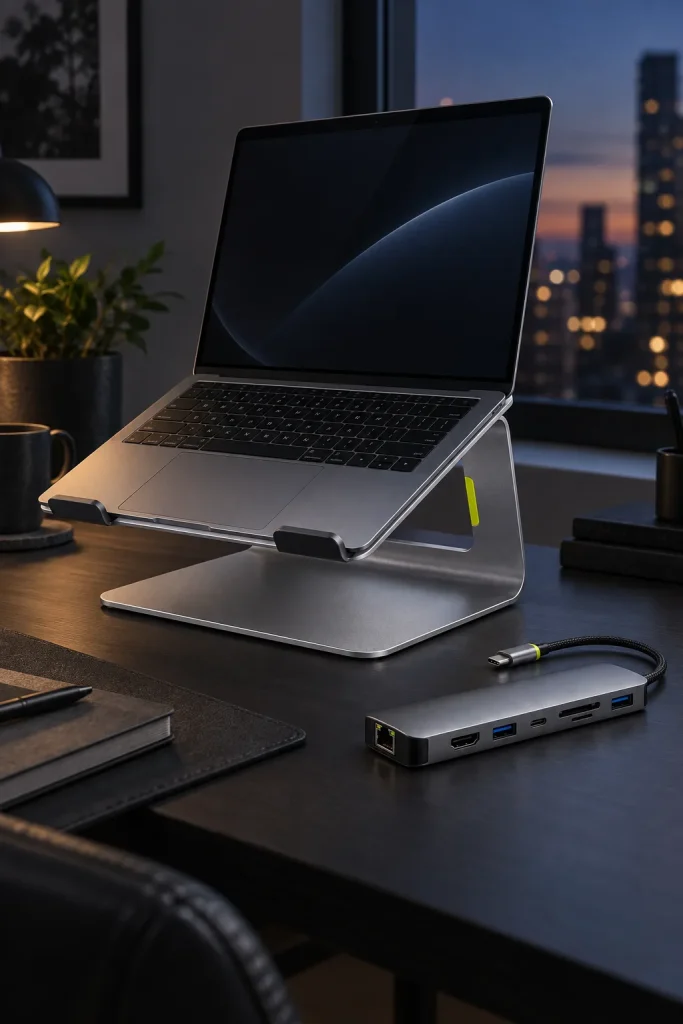
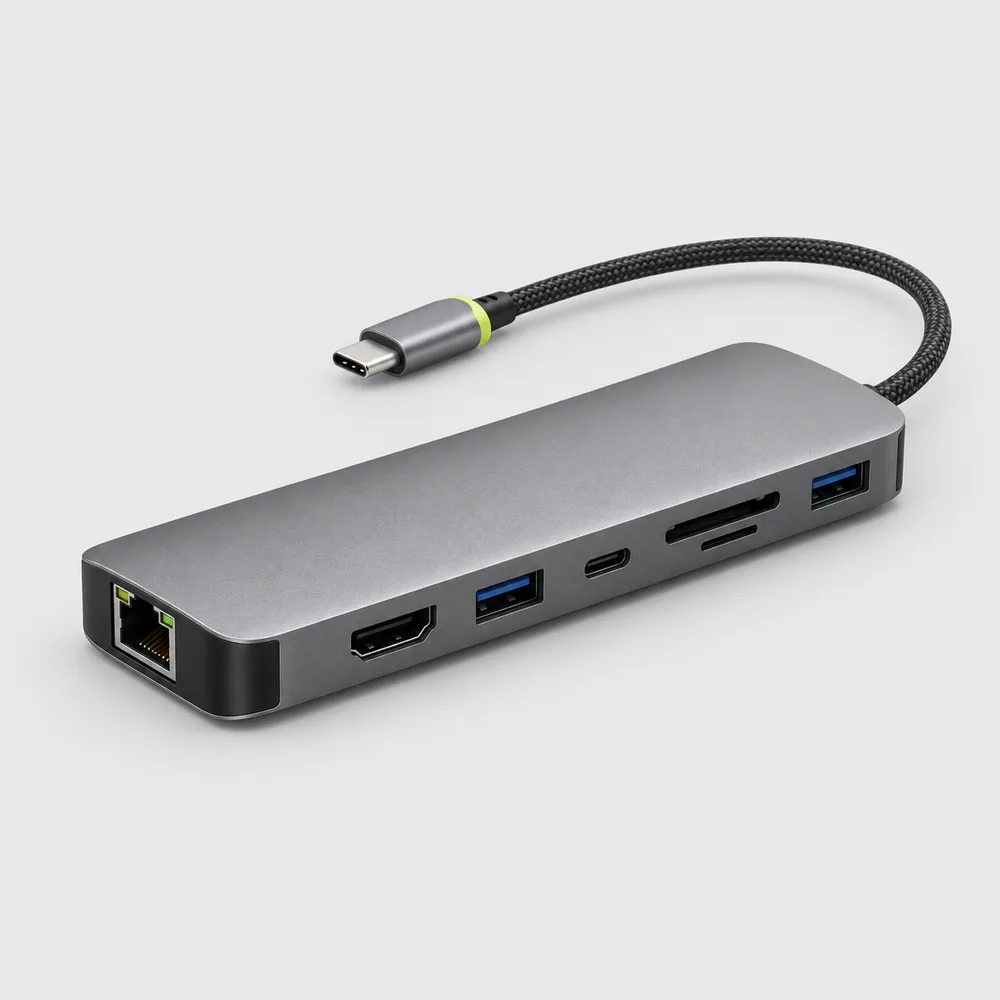
The hub is what makes the tidy desk stay tidy. Plug the charger into the hub’s power port and it passes up to 100 W through, 85 W of which reaches the laptop, enough for any 13–15″ model. The hub also drives a 4K monitor at 60 Hz, gives you gigabit Ethernet and reads SD cards, so picking up the laptop means unplugging one 6 in braided cable instead of five.
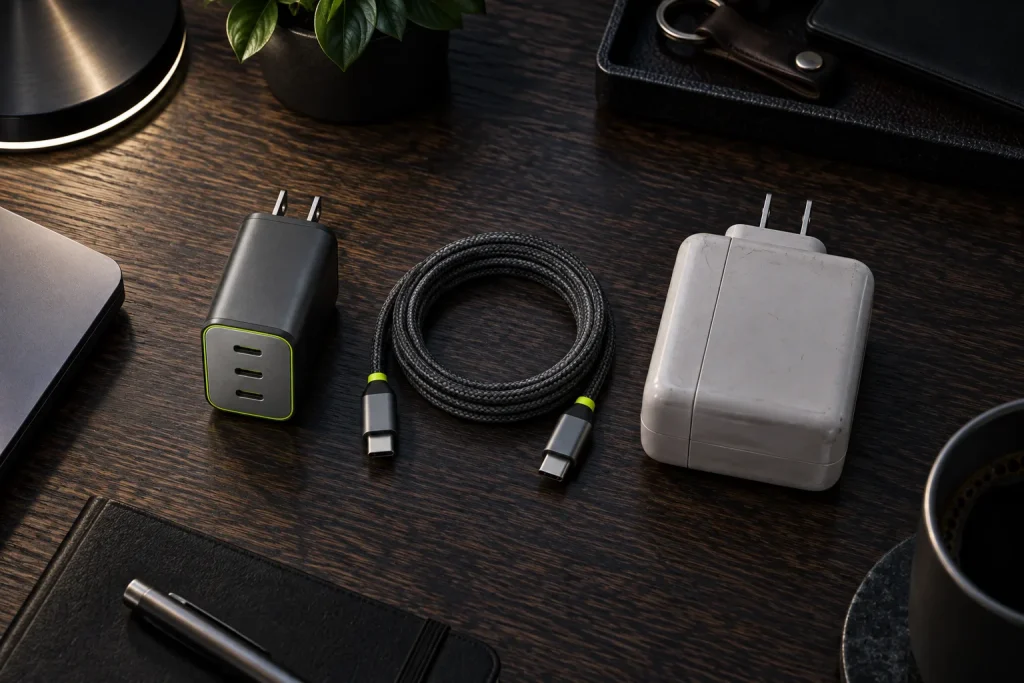
For the long run from the tray to the hub, a 6 ft Link USB-C cable carries the full 100 W, and a Brick 65 charger fits in the tray beside the power strip. The hub keeps about 15 W for itself, so on a 65 W charger the laptop gets around 50 W: plenty for office work, a little slower during a long export. Lift the laptop onto a Riser stand and the hub tucks underneath it, out of sight. If you want to go further, a wireless keyboard and mouse remove the last two cables on the desktop.
“I put it off for two years and it took one afternoon. The best part is the vacuum cleaner gets under the desk now.”
Megan Holt, customer in Beaverton
-
Shop the story
$69Ships in 1 business day
View: Hub 8-in-1
The cables are only half of a comfortable desk. Screen height and light matter as much, and we cover both in a remote work desk in five steps.
Quick answers
Is it safe to keep a power strip and a charger in a cable tray?
Yes, if the tray is open metal mesh or has gaps for air, and the strip is not plugged into another strip. Our Brick 65 reached 104 °F in a mesh tray after a full working day, the same as on an open desk.
Does the hub get warm?
A little. The aluminum housing spreads the heat, and with a 4K monitor, Ethernet and charging running all day it settled at 102 °F. Leave it on the desk or under the stand, not inside a closed box.